![special-case-sl-logo.png]](https://help.seedlegals.com/hs-fs/hubfs/special-case-sl-logo.png?height=18&name=special-case-sl-logo.png)
This guide will show you how to create an Employment Agreement on the platform.
-
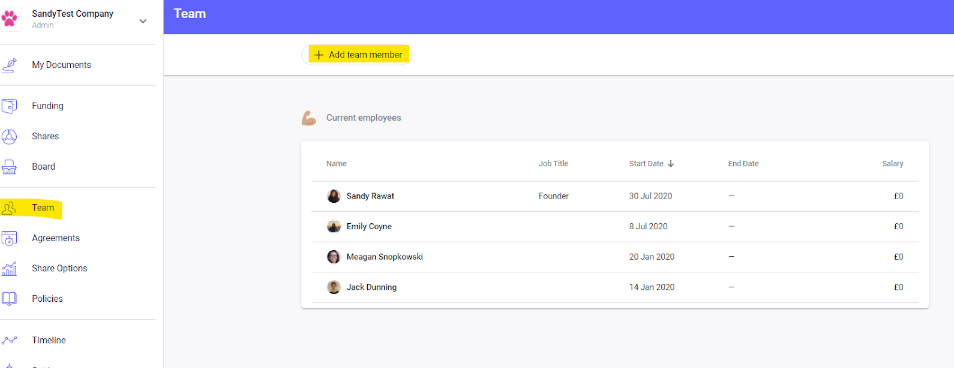
Go to Team > select or add a new employee:
-
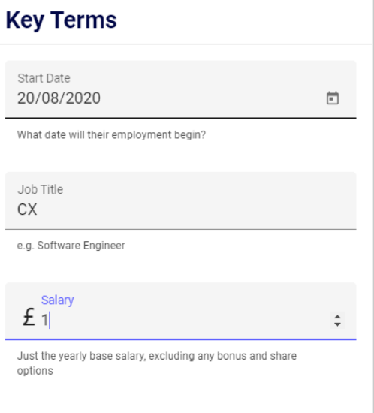
Enter employee/founders details or select an employee from the drop down list then enter their start date, job title & salary:
-
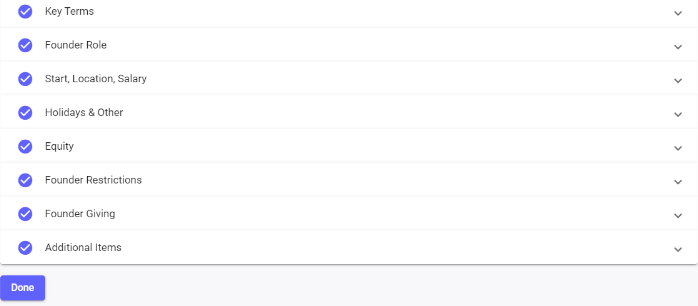
Then click on New Agreement where you can choose if this is a founder or an employee and fill in the remaining terms. Make sure to hit Done:
-
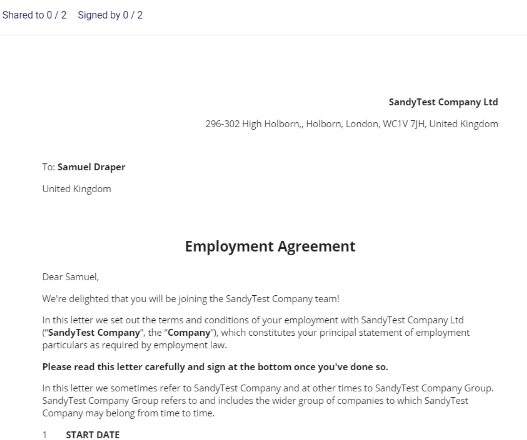
Your Employment Agreement is ready to be shared and signed - easy!
For more information please see Consultancy Agreement vs Employment Agreement - what’s the difference?
If you're interested in creating a Founders Agreement - please check out this guide.