![special-case-sl-logo.png]](https://help.seedlegals.com/hs-fs/hubfs/special-case-sl-logo.png?height=18&name=special-case-sl-logo.png)
-
Log into SeedLegals using your email.
-
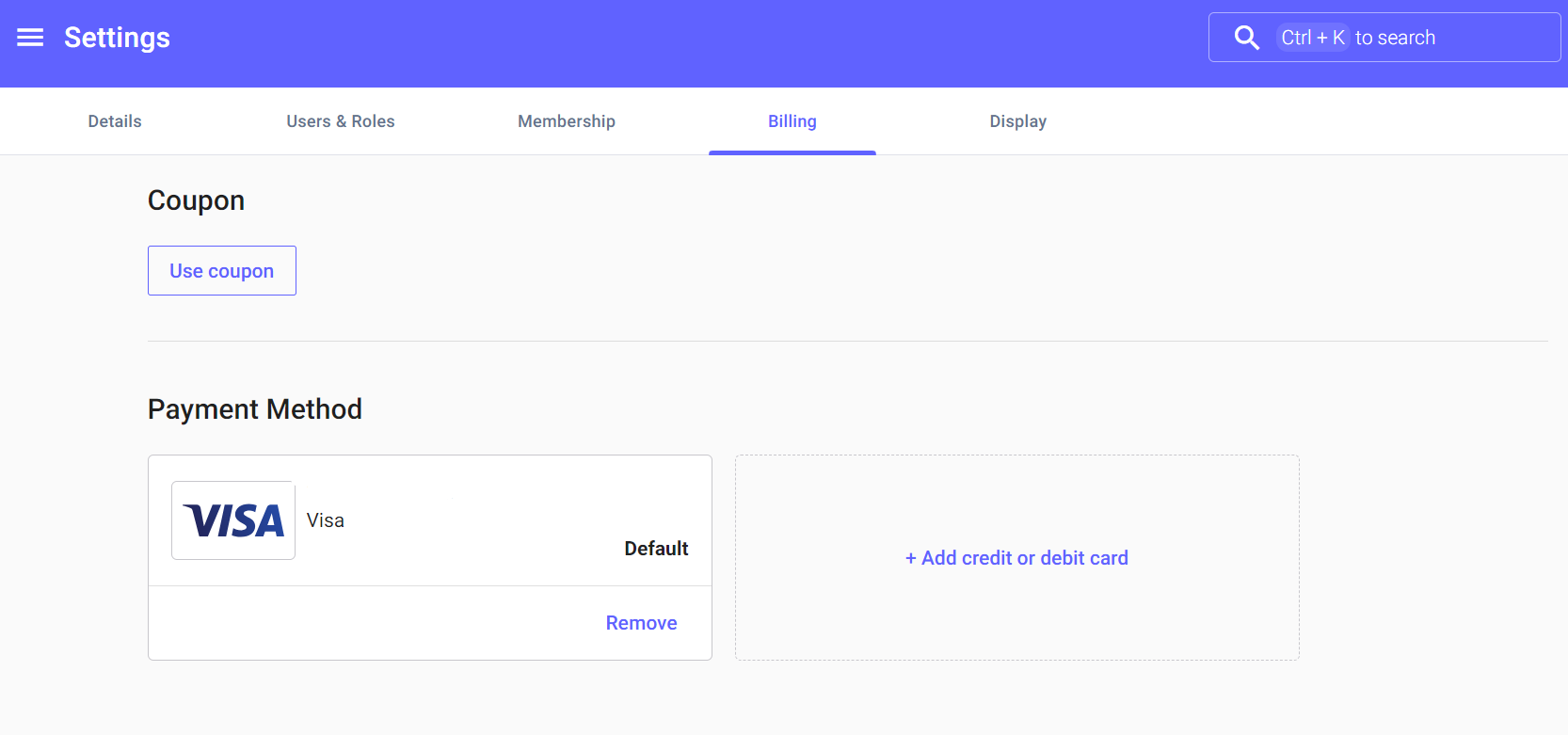
Go to Settings.
-
Click the Billing button in the overhead tabs.
-
Select the Edit Payment Details option.
Your payment details will now be swapped over.
💳 You can also change these when prompted to purchase a product.