![special-case-sl-logo.png]](https://help.seedlegals.com/hs-fs/hubfs/special-case-sl-logo.png?width=165&height=18&name=special-case-sl-logo.png)
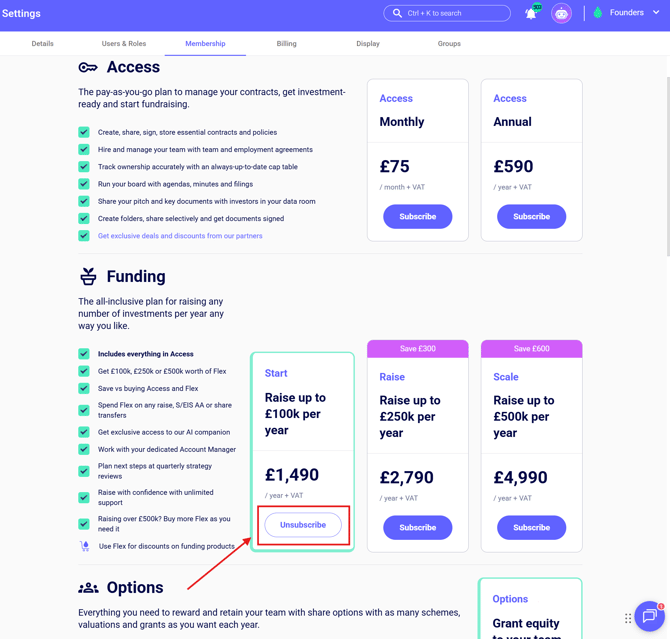
To cancel your membership, just head to Settings > Membership and click on Unsubscribe. You can then subscribe again anytime you want.
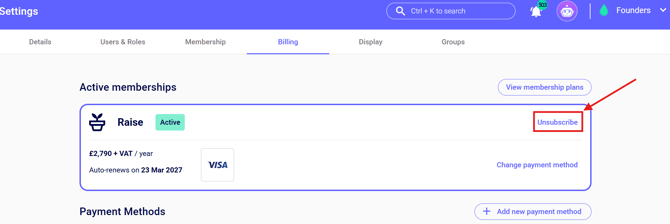
You can also unsubscribe from the Billing page in Settings:
If you don't plan to subscribe again in future, please download and store the documents locally or in your own cloud drive. You can download them under My Documents > Download all, please note this excludes certificates.
If you occasionally need to access one document which you haven’t downloaded, that’s no problem - just ask us and we'll be happy to download this for you!